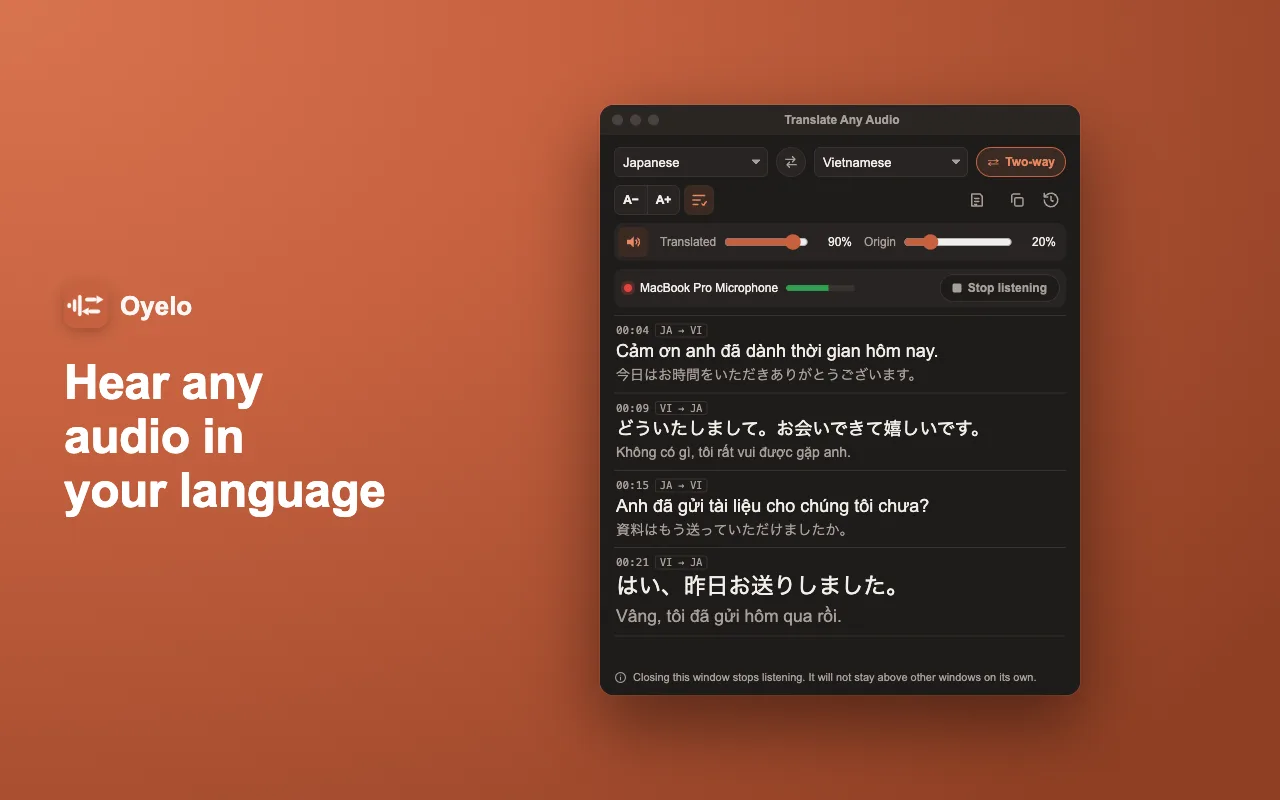
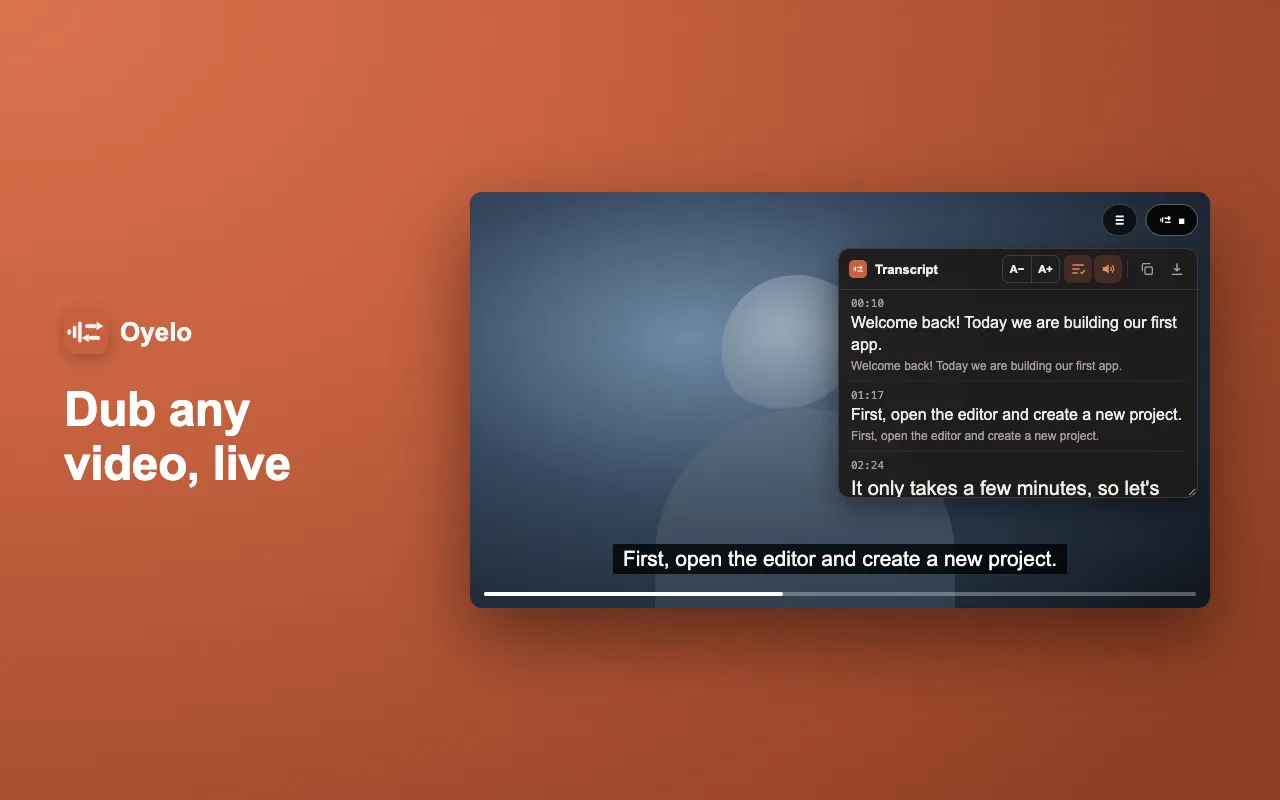
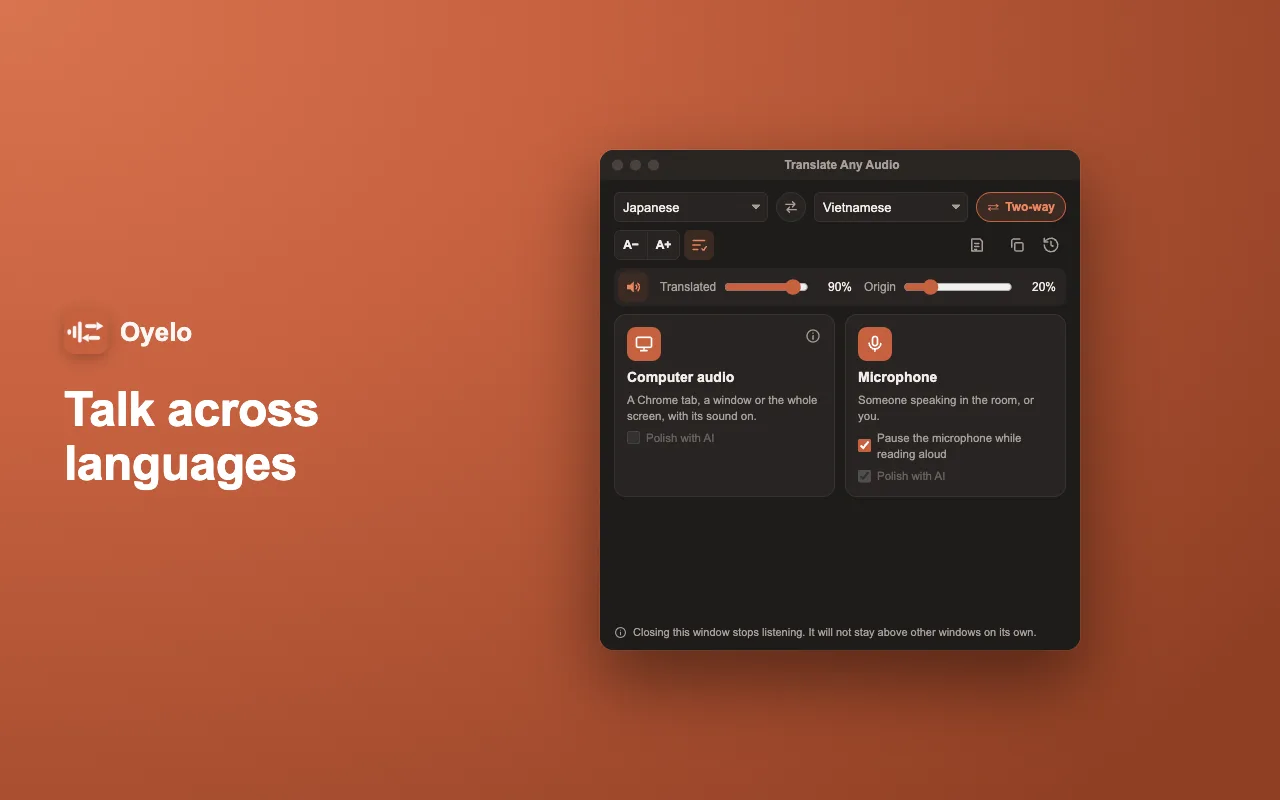
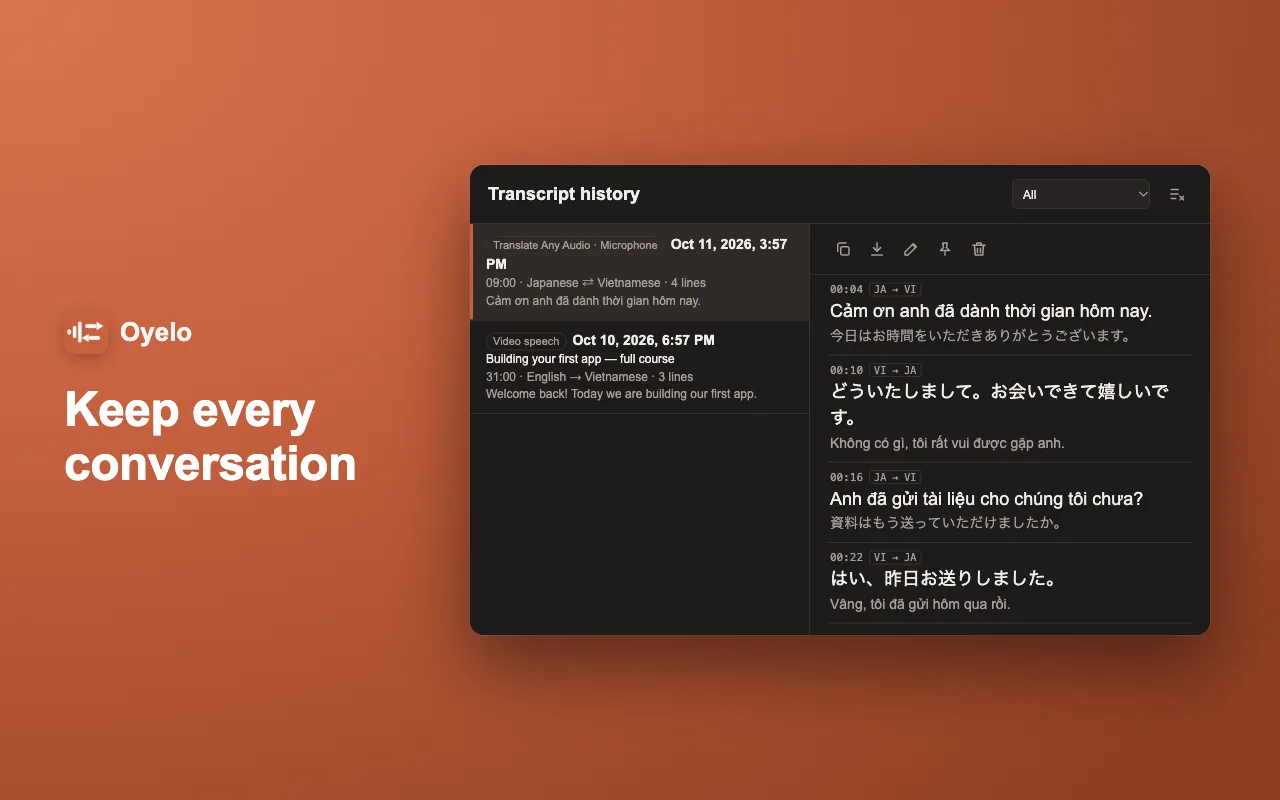
Oyelo translates speech live and speaks it back in your language: a video on YouTube or any other site, a meeting or stream in another tab, the whole screen, or the person in front of you through your microphone.
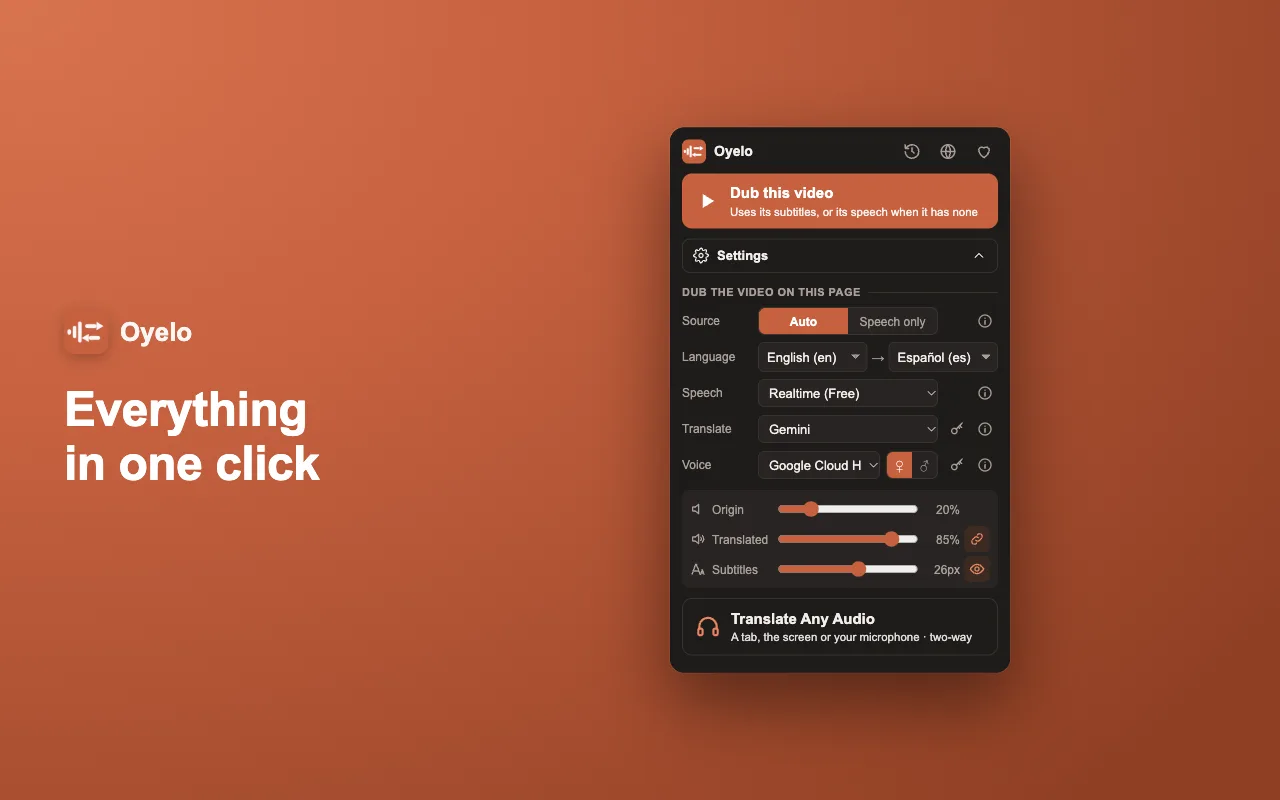
Yes. Live translation, dubbing and natural voices work free. For a premium engine you can add your own OpenAI, Gemini, Google Cloud or Soniox key and pay that provider directly, never us.
Do I need an account or an API key?
No. Install it and press Dub on a video, or Translate Any Audio in the popup. There is no sign-up, and a key is optional.
Which videos and languages does it work with?
Any video or sound playing in Chrome. On YouTube, Udemy, Coursera and Bilibili it reads the subtitles; everywhere else it listens to the speech. It translates into more than 70 languages. Films and series on protected streaming services block their sound, so they cannot be dubbed.
What happens to my audio?
Audio and text go only to the speech and translation service doing that step. Your transcripts stay in your browser; Oyelo keeps no copy on any server.
Can I use it in meetings and conversations?
Yes. Share the meeting’s tab to read and hear it translated live, or use two-way mode with your microphone: each person speaks their own language and hears the other’s.
Privacy: audio and text go only to the speech and translation service doing that step, and your transcripts never leave your browser. Full policy: oyelo.online/privacy